 Case study
LinkedIn outreach that took hours a day, now a few minutes
Impact Creator finds its clients on LinkedIn. We built two outreach plugins with Dan that find the right people, write the first message from their real profile and drop every draft into one Notion pipeline. Dan approves each one before it goes.
- At a glance
- Who uses it
- Co-founder-led, sells through LinkedIn
- Engagement
- DWY Coaching
- Timeline
- Built in April 2026
Where the week went
What the work looked like before we built anything. One problem, one system to fix it.
Find. Fix. Automate.



- 1Find: we watched the work
We went through his 11-prompt routine step by step and found the risky part: the scraper on the account he sells through.
- 2Fix: we made the job simpler
Cut the routine down to two routes, one for his ideal client and one for people already engaging on his topics. Stopped it inventing posts for people who never post.
- 3Automate: we built what runs
Built both routes as plugins that write to one Notion pipeline, plus a settings page so it remembers his setup. A person approves every message.
The outreach pipeline
Two outreach plugins and one Notion pipeline. Dan approves every message.
Outreach by hand every morning, on a scraper that put his account at risk.
Two plugins that find, read and draft into one Notion pipeline, and Dan approves each message.
How one lead got a message
- Step 1Run the first of 11 promptsDan
- Step 2where it hurtScrape the profile with a Chrome extension
- Step 3Run the next prompt, and the next
- Step 4Write the note and log the lead by handDan
- Step 5Send it
How the system runs
Each line is a hand-off the system now does. The orange line is the result a person checks.




No post on the profile means no invented post in the message.
- 1Apollo to LinkedIn: finds leads in Apollo, reads each LinkedIn profile and latest post, writes a connection note under 300 characters, a follow-up DM and 3 comment options.
- 2AI Signal Outreach: Trigify finds posts on his keywords and the people engaging with them, then the same drafting, capped at 20 leads a run.
- 3A Notion leads database, one page per lead, deduped by LinkedIn URL, with a Status column from To Do to Replied.
- 4A Notion settings page that holds his ideal client, DM voice and comment voice between runs.
- 5A setup wizard of about 3 minutes, so a new user is running on day one.
- 6The fix that made it trustworthy: no post on the profile means no invented post in the message.
- 75 leads a run by default after a 20-lead run stalled.
- 8A second browser path when the Chrome extension stopped clicking LinkedIn reliably: his own browser script plus a Claude Code fallback.
- 9A template of the whole system and 10 visual coaching maps, so he can resell it to his own clients.
The outreach pipeline
Before and after
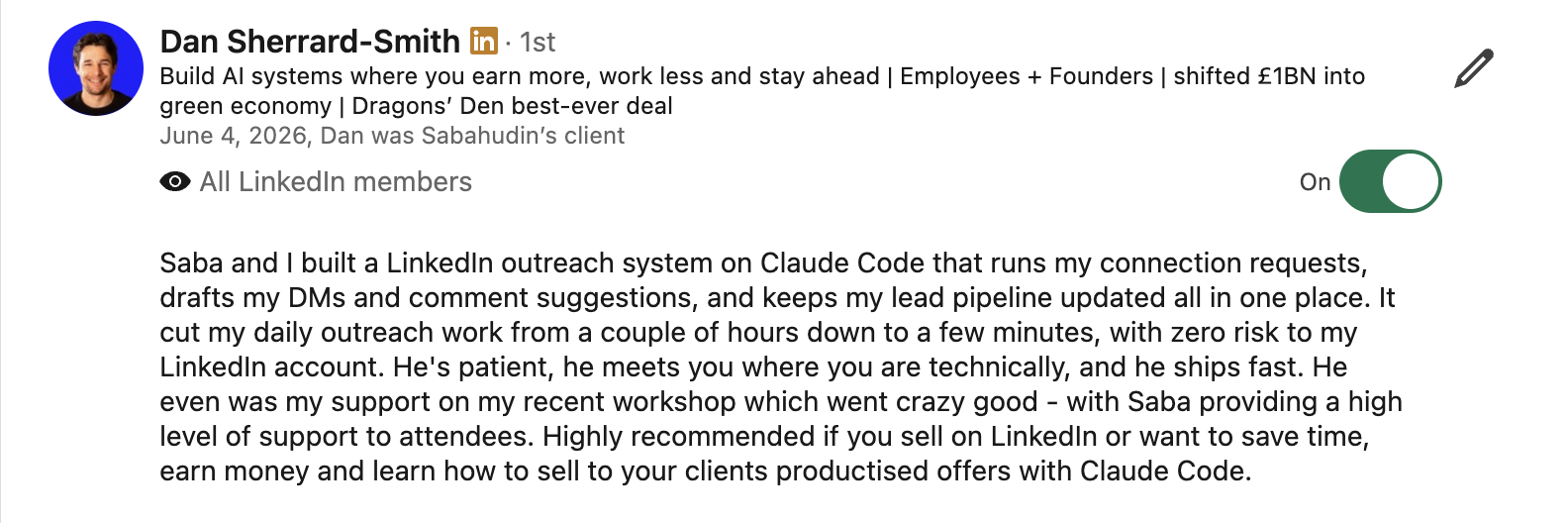
Saba and I built a LinkedIn outreach system on Claude Code that runs my connection requests, drafts my DMs and comment suggestions, and keeps my lead pipeline updated all in one place.
Read the full recommendation
Saba and I built a LinkedIn outreach system on Claude Code that runs my connection requests, drafts my DMs and comment suggestions, and keeps my lead pipeline updated all in one place. It cut my daily outreach work from a couple of hours down to a few minutes, with zero risk to my LinkedIn account. He's patient, he meets you where you are technically, and he ships fast.
Run this pattern on your own data
This case is now a pattern the Unstuck MCP is trained on. Connect it to your Claude and it looks for the same signals in your own tools, picks the one worth fixing first, and builds it with you.
LinkedIn outreach pipeline from ideal-client search and intent signals
Two ways in (people who match the ideal client, and people already engaging on the owner's topics), one drafting step that writes from each lead's real profile, and one pipeline where the owner approves every message.
Theirs, for good
- Both plugins, Apollo to LinkedIn and AI Signal Outreach, and every skill in them.
- The Notion leads database and the settings page.
- The browser fallback and the setup wizard.
- A resellable template of the whole system and the visual coaching kit.
Find the work that should not need you
The AI Audit Partner maps where your team's week goes and names the first three jobs worth building.
Book the audit