 Case study
A LinkedIn coach who opens her laptop to a plan, not a blank page
Shelli's Socials coaches professionals on LinkedIn, and Shelli runs it alone. We built her own Claude workspace and one workflow: a morning planner that reads her email, calendar, call recaps and to-dos, and hands her one page. It only reads. It never sends or moves a thing.
- At a glance
- Who uses it
- Solo founder with a business manager
- Engagement
- DWY Coaching
- Timeline
- Built in August 2026
Where the week went
What the work looked like before we built anything. One problem, one system to fix it.
Find. Fix. Automate.




- 1Find: we watched the work
On her sales call and a 7-question pre-work form she showed us her morning: to-dos in ClickUp, a paper planner and Outlook, and the day rebuilt from scratch.
- 2Fix: we made the job simpler
Kept her tools as they are. Folk stays manual and the paper planner stays on paper. The page follows the order she asked for: schedule first, then the top 3, then the week.
- 3Automate: we built what runs
Built one command in her own Claude workspace that reads email, calendar, call recaps and to-dos and writes one page. Read-only, written into the system's rules.
Your Day, the morning plan
A morning plan built from her inbox, calendar and call notes. Read-only.
Every morning started from a blank page, with to-dos in 3 places.
One page each morning, built from her email, calendar, call recaps and to-dos. Read-only.
How a morning started
- Step 1Open the laptopShelli
- Step 2Check ClickUp
- Step 3Check the paper planner
- Step 4Check Outlook email and calendar
- Step 5where it hurtRebuild the day's priorities from scratchShelli
How the system runs
Each line is a hand-off the system now does. The orange line is the result a person checks.



It reads her day. She runs her day.
- 1Her own Claude workspace, a plain folder on her machine, set up from her sales call, her proposal and her pre-work form.
- 2The Daily Planner: one command that reads the last 24 hours of Outlook email and sorts each thread into a bucket (client, leads, money, admin, FYI and one private bucket) with a reply score.
- 3Today's calendar in order, with every gap of 60 minutes or more marked as a focus slot.
- 4What she promised on calls, pulled from the last 3 days of Fathom recaps: who, what, by when.
- 5Her to-dos from ClickUp and Outlook, plus this week's focus.
- 6One page: a 3-line summary, the schedule, the top 3 in order with the reason, what is waiting on her, the week ahead and one line on what makes today a win.
- 7A setup command that confirms her form answers instead of asking cold.
- 8House rules: never send, draft, move, edit or delete anything in any tool.
- 9A plain-language guide to how the planner works, so she can hand it to anyone.
Your Day, the morning plan
Outlook Fathom recaps, last 3 daysBefore and after
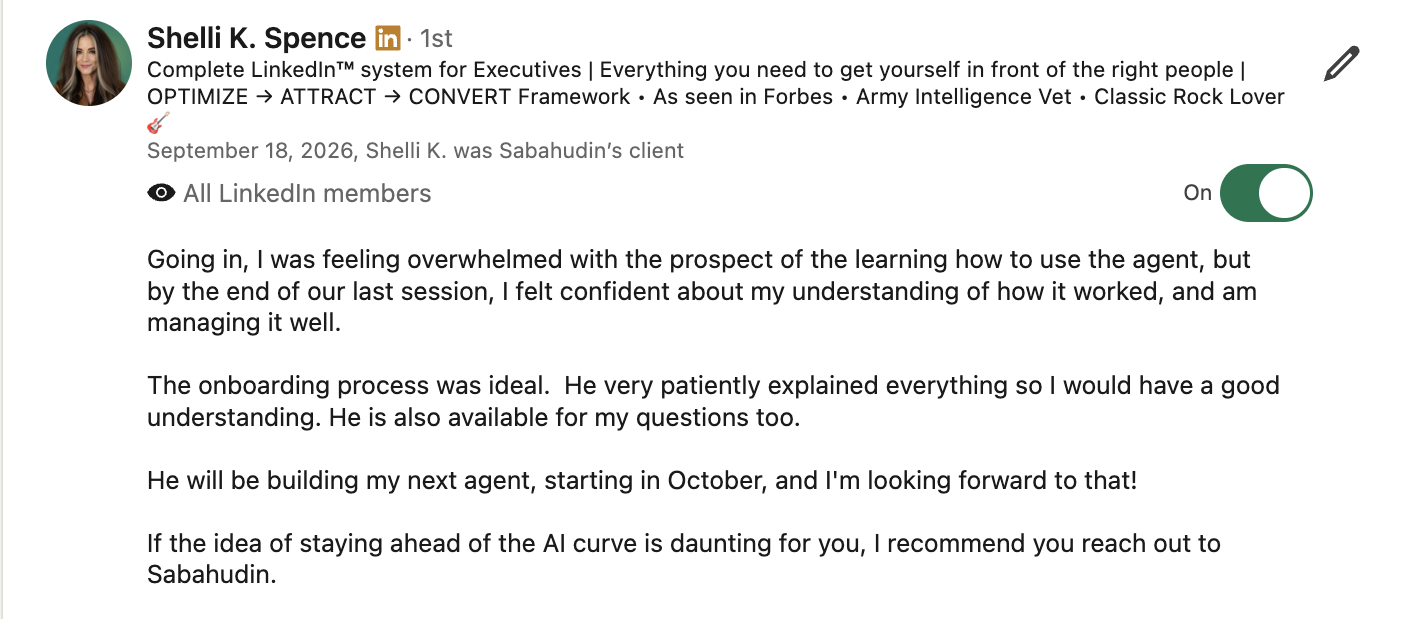
I cannot overstate how much Sabahudin has helped me by building my Claude agent for basic daily organization.
Read the full recommendation
I cannot overstate how much Sabahudin has helped me by building my Claude agent for basic daily organization. It is saving me time every morning, and helps keep me on track with my daily tasks.
Run this pattern on your own data
This case is now a pattern the Unstuck MCP is trained on. Connect it to your Claude and it looks for the same signals in your own tools, picks the one worth fixing first, and builds it with you.
Read-only morning planner from inbox, calendar, call notes and to-dos
One page each morning built from the last day of email, today's calendar, recent call recaps and scattered to-dos, with the top three in order. It only reads; it never sends, moves or deletes anything.
Theirs, for good
- Her Claude workspace, a plain folder on her own machine. No subscription, no lock-in.
- The Daily Planner and its setup command.
- The house rules that keep it read-only.
- The plain-language guide to how it works.
Next: her second agent, starting in October.
Find the work that should not need you
The AI Audit Partner maps where your team's week goes and names the first three jobs worth building.
Book the audit